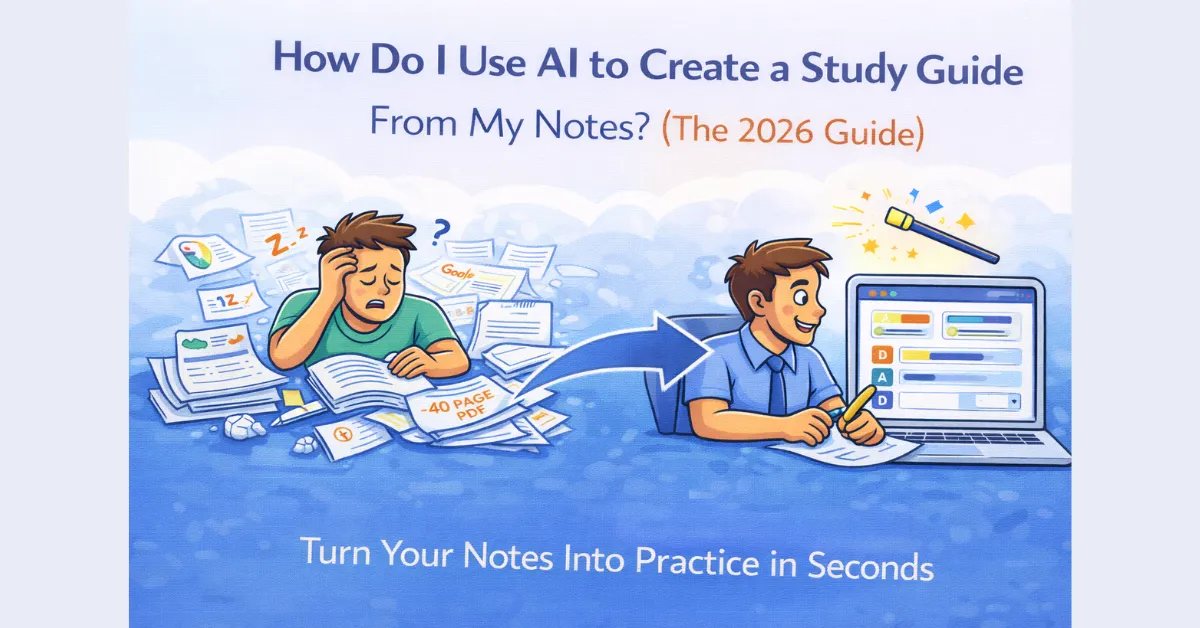
We’ve all been there: finals week is looming, and you’re staring at a chaotic pile of lecture notes, three half-finished Google Docs, and a 40-page PDF from your professor. Your brain is already fried, and the thought of manually condensing all that into a “study guide” feels like another full-time job.
Most students spend 80% of their time organizing their notes and only 20% actually learning them. In 2026, that’s just a bad strategy.
If you’re asking, “How do I use AI to create a study guide from my notes?” you’re already ahead of the curve. You’ve realized that your time is better spent practicing than typing. Here is the exact workflow to turn your messy notes into a high-performance study tool in under 60 seconds.
Step 1: Gather Your “Raw Data”
AI is only as good as what you feed it. The “magic” of QuizMagic is that it doesn’t care what format your notes are in. You can pull from:
- Digital Notes: Copy and paste directly from Notion, Evernote, or Word.
- The “Document Dump”: Use our PDF to quiz converter to upload textbook chapters or research papers.
- Lecture Slides: If your professor is a PowerPoint fan, just convert those slides to a quiz directly.
- Video Lectures: Paste the URL into our YouTube to quiz tool to extract the transcript.
Step 2: Use AI to Distill, Not Just Summarize
A summary is nice, but a study guide needs to be interactive. When you upload your notes to QuizMagic, our AI doesn’t just shorten the text; it identifies the “high-value” concepts—the stuff that is actually going to be on the test.
Instead of just reading a summary, tell the AI to generate a Mixed Quiz. By combining Multiple Choice for the basics and Short Answer questions for the complex stuff, you are forcing your brain into “Active Recall” mode. This is the only way to ensure the info actually sticks.
Step 3: Align with the “Test Logic”
If you know your professor loves “application” questions, don’t just study definitions. Use our Bloom’s Taxonomy settings to tell the AI: “Create a study guide at the ‘Applying’ or ‘Analyzing’ level.”
This moves you past simple memorization and prepares you for the “tricky” questions that usually show up on the real exam.
Step 4: Identify Your Weak Spots
Once you’ve generated your AI study guide/quiz, take it on your phone or laptop. Don’t worry about being perfect on the first try. The goal here is to find your Struggle Points.
Our quiz analytics (which work just as well for self-studying students) will show you exactly which concepts you’re slow on. If you spent three minutes on a question about “Mitosis,” you don’t need to re-read your whole biology notebook; you just need to review that one page.
Why This Beats Manual Note-Taking
Let’s be real: when you manually create a study guide, you often end up “passive-reading.” You feel productive because you’re typing, but your brain isn’t actually working. Using an automated quiz maker for students flips the script. It puts you in the “hot seat” immediately, which is exactly where you’ll be during the exam.
The Bottom Line: Work Smarter
Stop letting your notes sit in a folder. Turn them into a weapon. Whether you’re a high schooler or a university student, using AI to bridge the gap between “having notes” and “knowing notes” is the fastest way to an A.
Ready to transform your notes?
Don’t just read it—test it. Create your first AI study guide now.
Leave a Reply