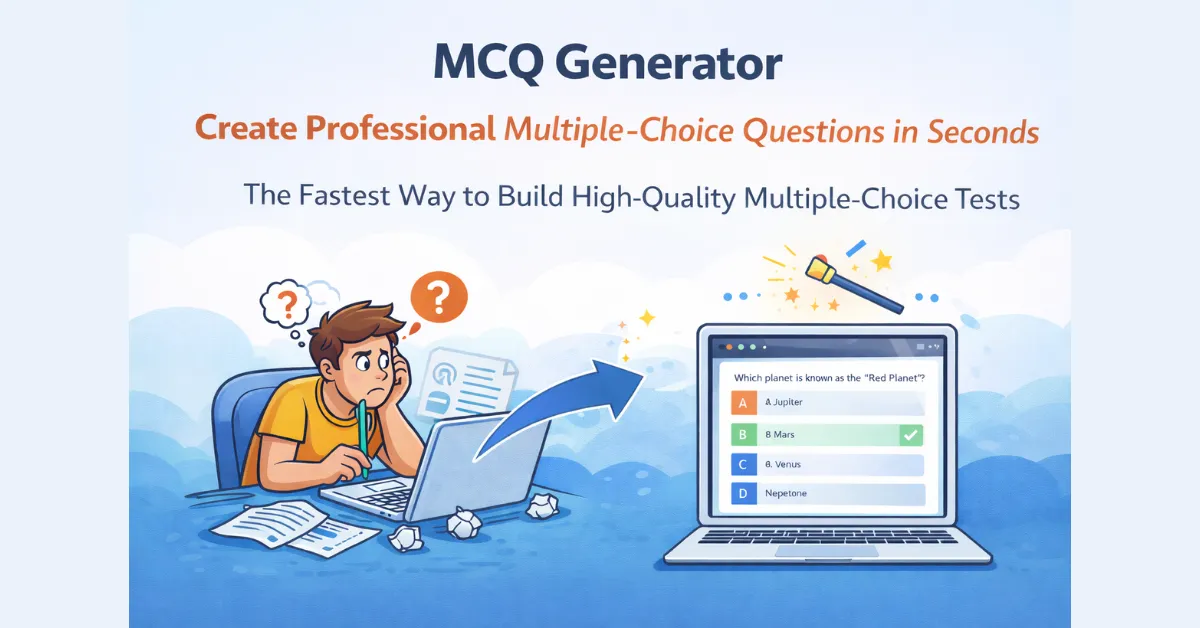
The Fastest Way to Build High-Quality Multiple-Choice Tests
Multiple-choice questions (MCQs) are the gold standard for objective assessment, but writing them is notoriously difficult. A good MCQ requires a clear stem, a correct answer, and “plausible distractors”: incorrect options that still challenge the learner’s knowledge.
The QuizMagic MCQ Generator automates this entire process. Using advanced algorithms, it parses your source material to identify key facts and automatically generates challenging, relevant distractors, saving you hours of brainstorming.
How to Use the Automated MCQ Generator
Creating a professional-grade test bank has never been easier. Whether you have a paragraph of text or a full chapter, the process remains seamless:
- Input Your Content: Paste your notes, upload a PDF, or drop a YouTube link.
- Define Your Level: Set the difficulty level to match your audience—from elementary students to corporate professionals.
- Generate & Refine: Our MCQ creator will produce a list of questions with four options each. You can swap distractors, edit the question stems, or add your own custom feedback.
- Export or Play: Export your MCQs to a PDF for paper exams or share a digital link for instant, auto-graded results.
The Best MCQ Maker for Teachers, Students, and Corporate Trainers
1. Smart Distractor Generation
The hardest part of writing an MCQ is coming up with “wrong” answers that aren’t obvious. Our automated MCQ generator analyzes the context of your material to provide distractors that are logically related to the topic, ensuring a true test of knowledge.
2. Alignment with Bloom’s Taxonomy
We don’t just generate “What is…” questions. Our tool is built to target different cognitive levels, allowing you to create MCQs that test Application, Analysis, and Evaluation, not just simple recall.
Learn how to target specific cognitive levels in your quizzes using our Bloom’s Taxonomy and SOLO guide.
3. Instant Grading & Analytics
When you use the Smart Sharing feature, the grading is done for you. You receive a detailed dashboard showing which distractors were most commonly picked, helping you identify specific “learning gaps” in your classroom or team.
Set up secure quiz distribution with our Smart Sharing feature.
Use Cases for the MCQ Creator
- Exam Preparation: Create massive test banks from textbooks for mid-term or final exams.
- Knowledge Checks: Insert quick 3-question MCQ polls into training sessions to keep learners engaged.
- Certification Training: Build practice exams for professional certifications (like PMP, Nursing, or Real Estate) by uploading study manuals.
- Language Learning: Generate vocabulary and grammar MCQs from reading passages instantly.
MCQ Generator vs. Writing Questions Manually: Why AI Wins
Frequently Asked Questions
Can I choose how many options each question has? Yes, you can. By default, our MCQ generator creates the standard 4-option format (1 correct, 3 distractors). However, you can easily change the number of options before generating the quiz.
How accurate are the generated questions? The AI is highly accurate because it uses your specific source material as its “source of truth.” We always recommend a quick 1-minute review to ensure the tone matches your specific teaching style.
Can I mix MCQs with other question types? Absolutely. You can use the MCQ generator to build the bulk of your test and then manually add True/False or Short Answer questions for a “mixed-mode” assessment.