Blog

  • Mastering QuizMagic Analytics: How to Use Struggle Points to Close Knowledge Gaps

    Mastering QuizMagic Analytics: How to Use Struggle Points to Close Knowledge Gaps

    We’ve all seen it. A student hands in a test with a 75%. On paper, they’ve “passed.” But as a teacher, that number leaves you with a lot of unanswered questions. Did they actually understand three-quarters of the material? Or did they just get lucky with a few guesses? More importantly, why did they miss those specific five points?

    Standard grading tells you what happened, but it almost never tells you why.

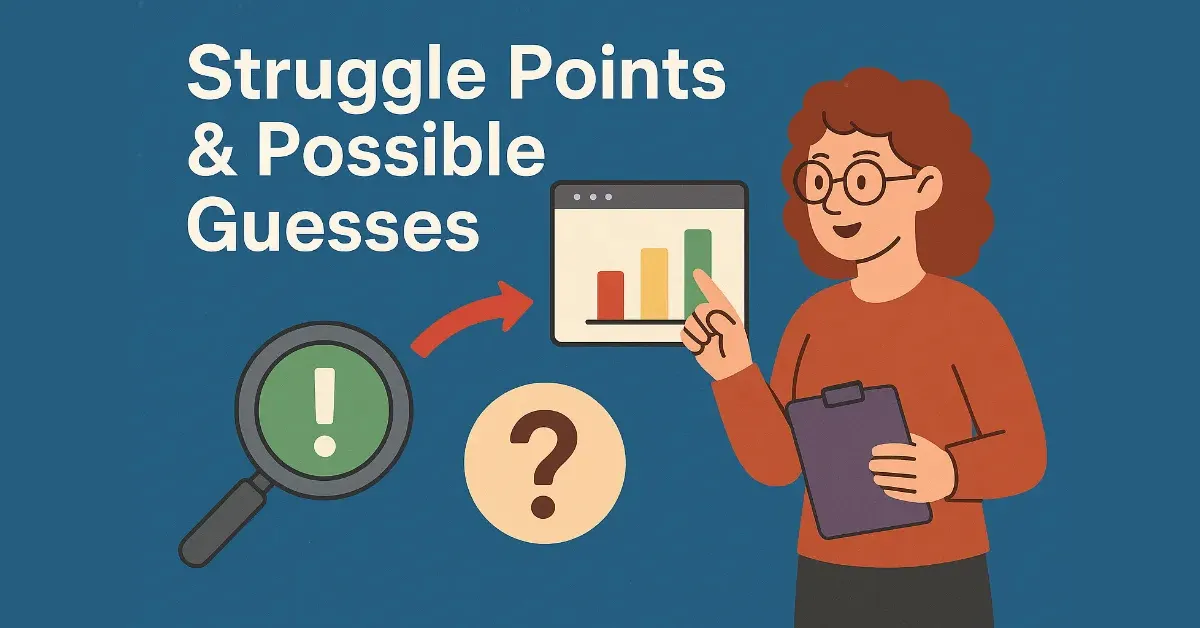
    This is why we built our quiz analytics for teachers to go deeper. Instead of just looking at raw scores, we track the behavior behind the clicks. By using metrics like Struggle Points and Possible Guesses, you can stop being a “grader” and start being a strategist.

    🔎 Identifying the “Struggle Points”

    A “Struggle Point” is a red flag. It doesn’t just mean the student got the answer wrong; it means they labored over it. Even if they eventually clicked the right choice, the struggle tells you that the concept hasn’t been mastered yet.

    What exactly is a Struggle Point?

    QuizMagic monitors how students interact with the interface. We look at:

    • Revisit Count: If a student jumps back to Question 4 three or four times, they are second-guessing themselves.
    • Time Spent: If they spend three minutes on a question that should take thirty seconds, there’s a cognitive block.

    When you see a high number of Struggle Points on a specific question across the whole class, that’s your cue. Don’t move on to the next chapter yet. Use our Quiz Regenerator to create a focused review session on just that one topic.

    🕵️ Spotting the “Fast Guessers”

    On the flip side of the struggle is the “Possible Guess.” This is one of the most useful insights for maintaining high standards in your classroom.

    If a student submits an answer in under five seconds, they didn’t read the question, they guessed. While this might happen once or twice by accident, a pattern of fast answers usually points to one of two things:

    1. Low Effort: The student is just trying to finish as fast as possible.
    2. Integrity Issues: If you’ve enabled our anti-cheating features, but still see rapid-fire correct answers, it’s a major red flag that they might be using an outside source.

    By correlating these guesses with our Violation Count (like tab-switching or copy-paste attempts), you get a clear, data-backed picture of student behavior.

    📊 Turning Data into Action

    The MetricWhat it Actually MeansYour Next Step
    Struggle PointsThe student is confused or lacks confidence.Reteach the concept using a different angle.
    Possible GuessesLow engagement or potential cheating.Have a 1-on-1 check-in with the student.
    Violation CountAssessment integrity was likely compromised.Implement QuizMagic’s anti-cheating features.

    Stop Grading, Start Guiding

    The goal of automatic grading software for schools isn’t just to save time. It’s to give you the data you need to be a more effective mentor. When you know exactly where the knowledge gaps are, you can close them before they turn into permanent hurdles.

    Don’t just look at the 75%. Look at the story behind it.

    👉 Unlock Deep Analytics for Your Classroom with QuizMagic Premium!
  • How to Stop Cheating in Online Quizzes: 5 Proven Anti-Cheating Strategies

    How to Stop Cheating in Online Quizzes: 5 Proven Anti-Cheating Strategies

    🔒 The Digital Dilemma: Securing Your Assessments in the Virtual Classroom

    The shift to digital learning has brought incredible convenience—auto-grading, instant feedback, and flexibility. However, it also introduces a major challenge: how do you ensure the integrity of your assessments when students have access to the entire internet?

    You can’t stop cheating by simply policing your students; you have to stop it by designing assessments that make cheating unnecessary or impractical.

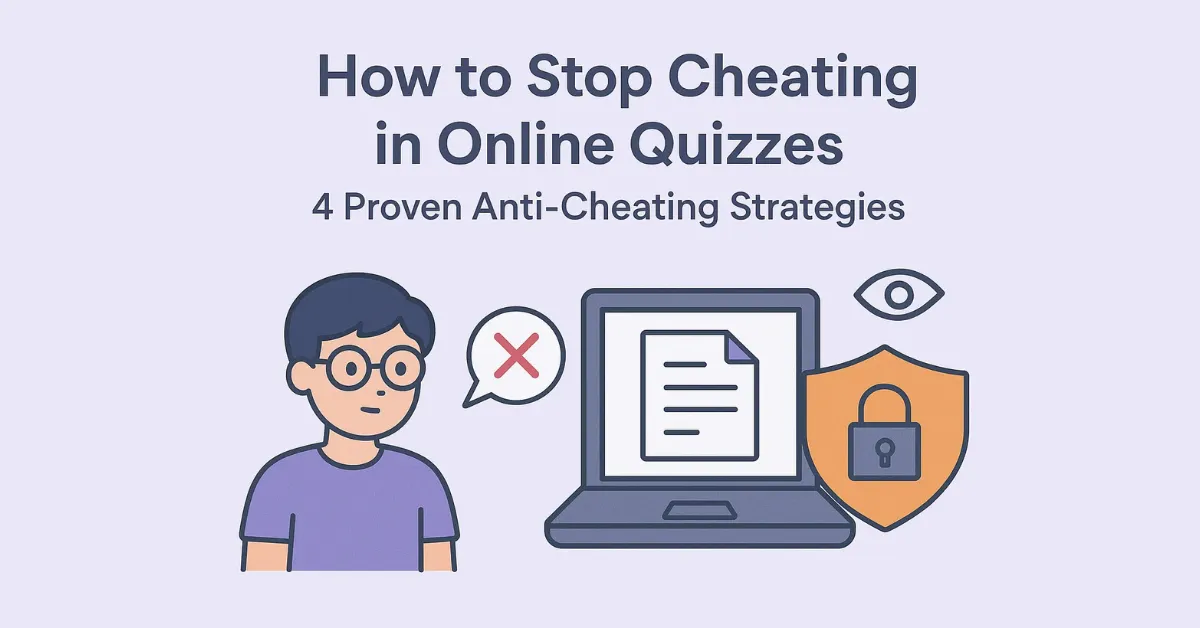
    Here are five proven, high-impact strategies educators and trainers are using right now to secure their online quizzes, leading up to the ultimate solution offered by QuizMagic’s Smart Sharing features.

    5 Strategies for Integrity in Digital Quizzing

    1. Optimize Your Time and Session Controls

    Most students who cheat rely on having ample time to search for answers. By setting tight, realistic time constraints, you drastically reduce their ability to research every question.

    • The Manual Way: You must manually track and enforce the clock, which is complex in asynchronous environments.
    • The QuizMagic Way: Use our Smart Sharing feature to set a precise Session Expiry Control. Once the time is up, the quiz closes automatically, regardless of student activity.

    2. Implement Question Randomization

    The most common form of digital cheating involves students sharing answers via group chat or screen-sharing while taking the quiz simultaneously. Randomization solves this by ensuring no two students see the exact same test.

    • The Manual Way: Creating four different versions of a test and distributing them manually.
    • The QuizMagic Way: Use the Quiz Regenerator. It creates a fresh, unique version of the quiz for every student or session by randomizing the order of the questions and the order of the multiple-choice options. This is the single most effective deterrent.

    3. Use Question Pools to Prevent “Teaching to the Test”

    Instead of using the same 15 questions every time, draw questions from a larger pool. This forces students to study the material rather than memorizing the answers to a specific test.

    • The Manual Way: Maintaining massive question banks and carefully selecting a subset for each assessment.
    • The QuizMagic Way: Since our AI can instantly create unlimited new quizzes (Quiz Generator and Quiz Regenerator) from the same source material, you are automatically building a huge pool of assessment options without manual effort.

    4. Leverage Advanced Anti-Cheating Monitoring

    The best security systems work silently in the background, flagging suspicious behavior during the assessment session itself.

    QuizMagic’s Smart Sharing is built with specific anti-cheating security features:

    • Student Violation Monitoring: The platform tracks and flags when a student attempts to navigate away from the quiz window (i.e., opening a new tab to search) or minimizes the browser.
    • Real-time Tracking: You can view a student’s progress instantly, allowing you to catch suspicious behavior as it happens rather than waiting for post-quiz review.

    5. Prioritize Higher-Order Questions (Bloom’s Taxonomy)

    As discussed in our previous post, if your questions only test basic recall, the answer is easily searchable. If they test Analysis, Application, or Evaluation, the student must actually think—a process the internet can’t automate.

    • The QuizMagic Way: When generating a quiz, choose a high cognitive level (e.g., Applying or Analyzing) to ensure the questions require critical reasoning, which severely limits the utility of a search engine.

    🛡️ QuizMagic: Your Complete Anti-Cheating Toolkit

    Stop spending your valuable teaching time tracking down test answers on Google. Spend your time teaching.

    The Smart Sharing feature integrates all five of these security strategies into one secure link, making high-stakes assessment simple and worry-free.

    Ready to Secure Your Next Exam and Trust Your Results?

    Protect your assessments, save time, and gain accurate insights into student performance with enterprise-level security built for the classroom.

    👉 Secure Your Next Assessment with QuizMagic Premium!

  • The Definitive Guide to Aligning Assessments with Bloom’s Taxonomy (And How AI Makes It Instant)

    The Definitive Guide to Aligning Assessments with Bloom’s Taxonomy (And How AI Makes It Instant)

    Let’s be honest: as educators, we’ve all been guilty of it. It’s late Sunday night, you’re tired, and you need a quick quiz for Monday morning. You end up writing ten questions that basically ask, “Can you remember this specific fact from page 42?”

    The problem? That’s only the very bottom of the learning ladder. If we only test recall, we never truly know if our students can actually use what they’ve learned. This is where Bloom’s Taxonomy acts as your pedagogical North Star.

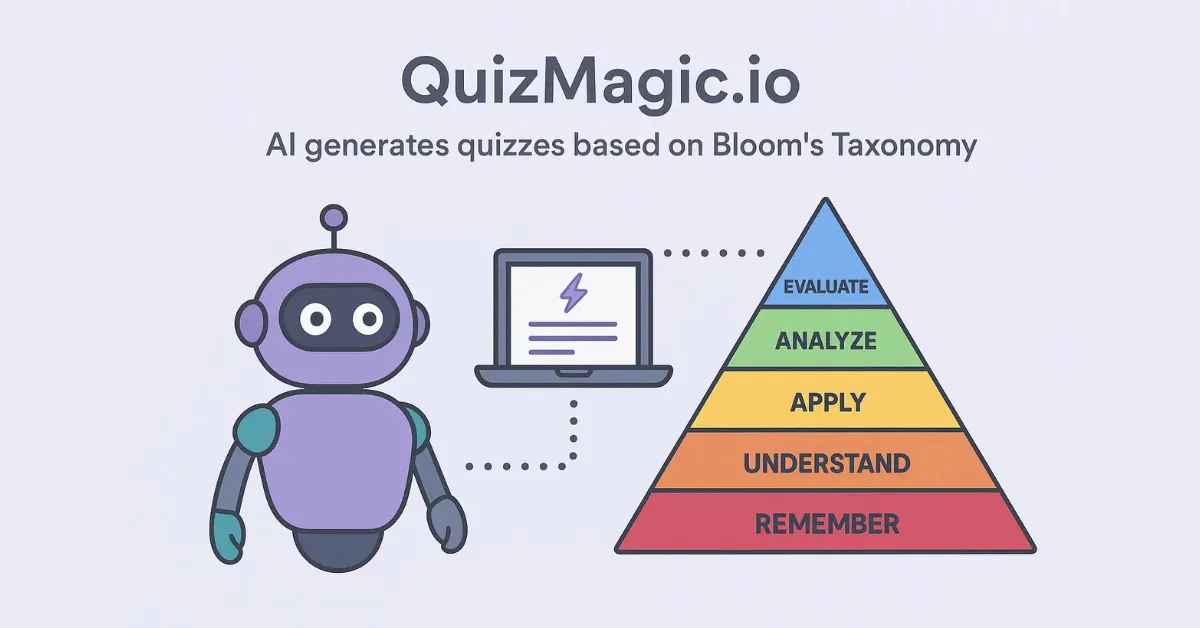
    But here’s the reality: manually mapping every question to a specific cognitive level is a massive time-sink. That’s why we built a Bloom’s Taxonomy question generator right into the heart of QuizMagic.

    🎯 Why Assessment Alignment is a Game Changer

    Alignment isn’t just an educational buzzword. It’s the difference between “guessing” a student’s progress and “measuring” it. Bloom’s Taxonomy categorizes learning into six levels: from basic remembering to complex creation.

    When your quiz is aligned, you stop asking “What is the answer?” and start asking “How well can you apply this?”

    The manual struggle is real before AI. Aligning a 20-question quiz meant you had to:

    1. Cross-reference every question with your lesson objectives.
    2. Hunt for specific action verbs (like “differentiate” or “justify”).
    3. Ensure your distractors (wrong answers) were actually challenging at that specific level.

    It was exhausting. It’s no wonder so many assessments stick to simple Multiple Choice.

    ✨ Introducing the Magic: AI That Understands Pedagogy

    What makes QuizMagic.io different is that it isn’t just a “text-scrubber.” Our AI understands educational measurement. When you upload a PDF or paste a YouTube link, the system doesn’t just pull random sentences; it looks for the logic required to satisfy specific cognitive depths.

    Whether you are using our automatic grading feature or just printing a worksheet, the pedagogical foundation remains solid.

    How QuizMagic.io Maps to Bloom’s Levels

    Bloom’s LevelWhat the Student DoesHow the AI Helps
    1. RememberingRecalls basic facts and terms.Generates questions based on direct definitions.
    2. UnderstandingExplains ideas or concepts.Asks for summaries or paraphrasing.
    3. ApplyingUses info in new situations.Creates scenario-based word problems.
    4. AnalyzingDraws connections & distinctions.Focuses on “Compare & Contrast” logic.
    5. EvaluatingJustifies a stand or decision.Requires defense of an argument or claim.
    6. CreatingProduces new or original work.Generates complex prompts for synthesis.

    🚀 The Three-Step Workflow to Aligned Quizzes

    You don’t need a PhD in educational tech to make this work. Here is how you can use our Bloom’s Taxonomy question generator in under a minute:

    1. Drop Your Source Material

    Whether it’s a 40-page PDF, a Word doc, or a YouTube video, just drop it in. Our YouTube to quiz converter is particularly popular for flipped classrooms.

    2. Choose Your Cognitive Depth

    Don’t just hit “Generate.” Tell the AI which Bloom’s level you want. If it’s a mid-unit check, maybe go with “Applying.” If it’s a final, go for “Analyzing.”

    3. Deploy & Breathe

    Share your secure link via our Smart Sharing feature. This activates our anti-cheating protections and starts the auto-grading process immediately.

    📈 Elevate Your Teaching with Data-Driven Decisions

    Once the quiz is done, the data you get back is actually useful. Instead of just seeing a “75%,” you can see that the class excelled at Remembering but failed at Analyzing.

    This allows you to stop wasting time re-teaching things they already know and focus on the specific cognitive gaps. Our article on Mastering QuizMagic Analytics has a full breakdown of how to read these “Struggle Points” in your dashboard.

    Ready to stop guessing?

    Experience the power of pedagogically sound, AI-aligned assessment. Let the AI handle the structure so you can handle the teaching.

    👉 Generate Your First Bloom’s-Aligned Quiz for Free!