Author: Rumejan Barbarona

  • AI-Powered Test Prep: The Professional’s Secret to Passing Certification Exams

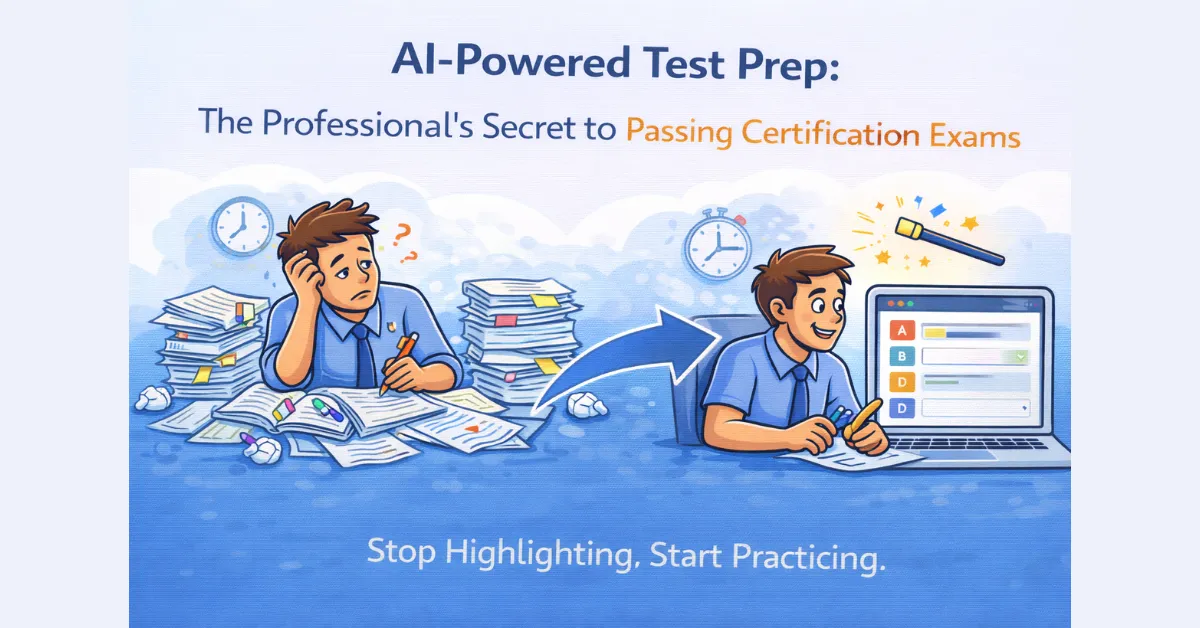
    AI-Powered Test Prep: The Professional’s Secret to Passing Certification Exams

    If you are a working professional, you know the specific brand of stress that comes with a “Certification Exam.” Whether it’s the Bar, a medical board, a PMP, or a technical IT cert, these exams aren’t just tests; they are gateways to the next stage of your career.

    The problem? Most study manuals are 500-page monsters designed to be read, not mastered. If you’re like most people, you spend your limited “after-work” hours highlighting paragraphs and hoping for the best.

    But hope isn’t a strategy. In 2026, the most successful candidates are ditching the highlighters and using AI-powered test prep for certification exams to simulate the actual test environment long before they walk into the testing center.

    Why “Reading” Is the Slowest Way to Study

    You can read a study manual five times and still fail to apply it under pressure. Real mastery comes from “Active Recall.”

    When you use QuizMagic.io, you stop being a passive consumer of information. By transforming your study guides into interactive assessments, you’re forcing your brain to retrieve information under the clock. This is the only way to build the “mental muscle” needed to pass high-stakes certifications on the first try.

    How to Build Your Custom “Cert Prep” System

    You don’t need to buy a $1,000 review course. You can build your own high-fidelity prep system using these three QuizMagic features:

    1. The PDF-to-Practice Exam Hack

    Take your official certification manual or those dense “handouts” and drop them into our PDF to quiz converter. The AI will parse the complex terminology and generate a bank of practice questions. Instead of just reading about a concept, you’re immediately tested on it.

    2. Master the Vocabulary

    Most certification exams are 50% terminology. If you don’t know the exact definition, you can’t solve the problem. Use our Fill-in-the-Blanks and Short Answer settings to ensure you have the precise language down. If you can’t type the word from memory, you don’t know it well enough yet.

    3. Analyze Your “Struggle Points”

    This is the game-changer. Our quiz analytics aren’t just for teachers; they are for your own self-assessment. After a practice session, look at your “Struggle Points.” If the AI shows you spent four minutes on a “Project Risk Management” question, you know exactly where your knowledge gap is. You can then use the Quiz Regenerator to create a new quiz focusing only on those weak areas.

    Efficiency for Corporate Trainers

    If you are a corporate trainer or a manager helping a team get certified, the stakes are even higher. You need a way to track progress without micromanaging. By using our Smart Sharing feature, you can send out weekly knowledge checks to your team’s phones or laptops.

    You get the data, they get the practice, and everyone stays on track for the exam date. Plus, with our anti-cheating protections enabled, you can be sure the practice scores are a true reflection of their readiness.

    Conclusion: Don’t Leave Your Career to Chance

    The difference between “Pass” and “Fail” usually comes down to how you spent the last 48 hours before the exam. Don’t waste that time re-reading notes. Use AI-powered test prep for certification exams to identify your weaknesses, shore up your knowledge, and walk into that testing center with total confidence.

    Ready to ace your certification?

    Turn your study manual into a practice test in seconds.
    👉 Start Your AI-Powered Test Prep Now!

  • The Best Automated Quiz Maker for Students: How to Ace Your Finals Without the All-Nighter

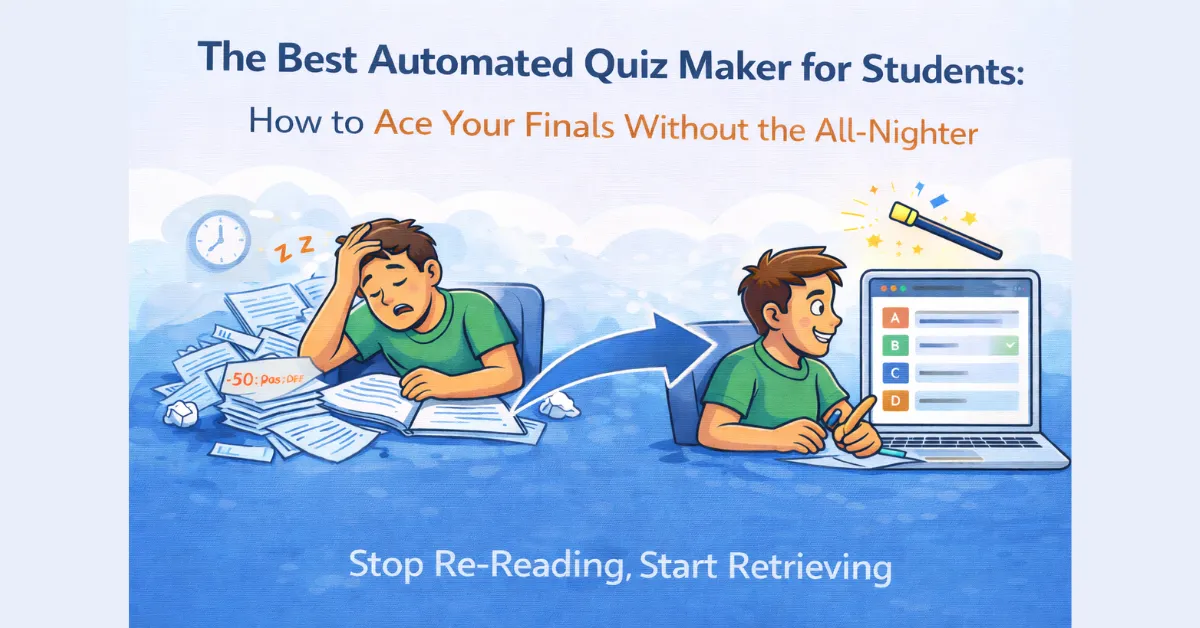
    The Best Automated Quiz Maker for Students: How to Ace Your Finals Without the All-Nighter

    We’ve all been there. It’s 11:00 PM, you have a massive final exam in two days, and you’re staring at a 50-page PDF textbook or a 20-minute YouTube lecture transcript. Your notes are a mess, and you have no idea where to start.

    The old-school way of studying—re-reading your notes until your eyes glaze over—is a total waste of time. Science calls this “passive review,” and it’s one of the least effective ways to actually learn. If you want to move that info into your long-term memory, you need to test yourself.

    But who has the time to manually write their own practice questions? This is where an automated quiz maker for students becomes your ultimate secret weapon.

    Stop Re-Reading, Start Retrieving

    The secret to “Active Recall” (the only study method that actually works) is forcing your brain to retrieve information. When you use QuizMagic.io to generate a quiz, you aren’t just looking at the material—you’re interacting with it.

    Instead of spending three hours making flashcards, you can spend thirty seconds uploading your materials and the rest of your night actually practicing.

    How to Use QuizMagic to Hack Your Study Sessions

    I built QuizMagic to be more than just a tool for teachers. As a student, you can use these exact same professional features to “pre-test” yourself before the real exam.

    1. The “YouTube-to-A+” Trick

    Most professors post their lectures online now. Don’t just sit there and watch the video while scrolling through TikTok. Paste the URL into our YouTube video to quiz converter. Our AI scans the transcript and hits you with questions on the exact points your professor is likely to test.

    2. The PDF-to-Practice Exam

    Got a massive textbook chapter? Don’t highlight everything—that’s just coloring. Drop the file into our PDF to quiz converter. The AI identifies the key concepts and builds a custom practice test for you.

    3. Master the “Tricky” Concepts

    If you’re struggling with specific definitions, switch the generator to Fill-in-the-Blanks. It’s much harder than Multiple Choice because you can’t just guess; you have to know the exact term. This is how you build true confidence before walking into the exam room.

    Why QuizMagic Beats a Basic Chatbot

    You might think, “Can’t I just ask a chatbot to write a quiz?” You could, but generic AI often “hallucinates” facts or misses the context of your specific course.

    QuizMagic is a dedicated automated quiz maker for students that stays strictly within the boundaries of the source material you provide. Plus, our AI is trained on Bloom’s Taxonomy, meaning it won’t just ask you “what” happened—it will ask you “why” and “how,” which is exactly what shows up on the hard version of the test.

    See Your Progress with Real Analytics

    The best part? You get to see your own Struggle Points. If you take a practice quiz using the Smart Sharing feature of Quizmagic and the AI flags that you’re spending too much time on the “Cell Mitosis” questions, you know exactly what you need to review for another ten minutes. You aren’t guessing if you’re ready; you have the data to prove it.

    The Bottom Line: Study Smarter, Not Harder

    Your time is valuable. Don’t waste it on low-impact study habits. Whether you’re a high schooler or a university student, using an automated quiz maker for students is the fastest way to bridge the gap between “I think I know this” and “I’ve got this.”

    Ready to crush your next exam?

    Turn your notes into a quiz in under 60 seconds.

    👉 Start Generating Your Practice Quiz for Free!

  • The AI Essay Grader for Teachers: Reclaiming Your Weekends Without Sacrificing Feedback

    The AI Essay Grader for Teachers: Reclaiming Your Weekends Without Sacrificing Feedback

    If you ask any English or Social Studies teacher what their “least favorite” part of the job is, the answer is always the same: the essay pile.

    There is a specific kind of dread that comes with carrying home sixty 500-word essays on a Friday afternoon. You know that to give actual, meaningful feedback, you’re looking at 10 to 15 hours of work. Most teachers end up just “survival grading”—skimming for keywords and slapping a grade on the top because they’re simply exhausted.

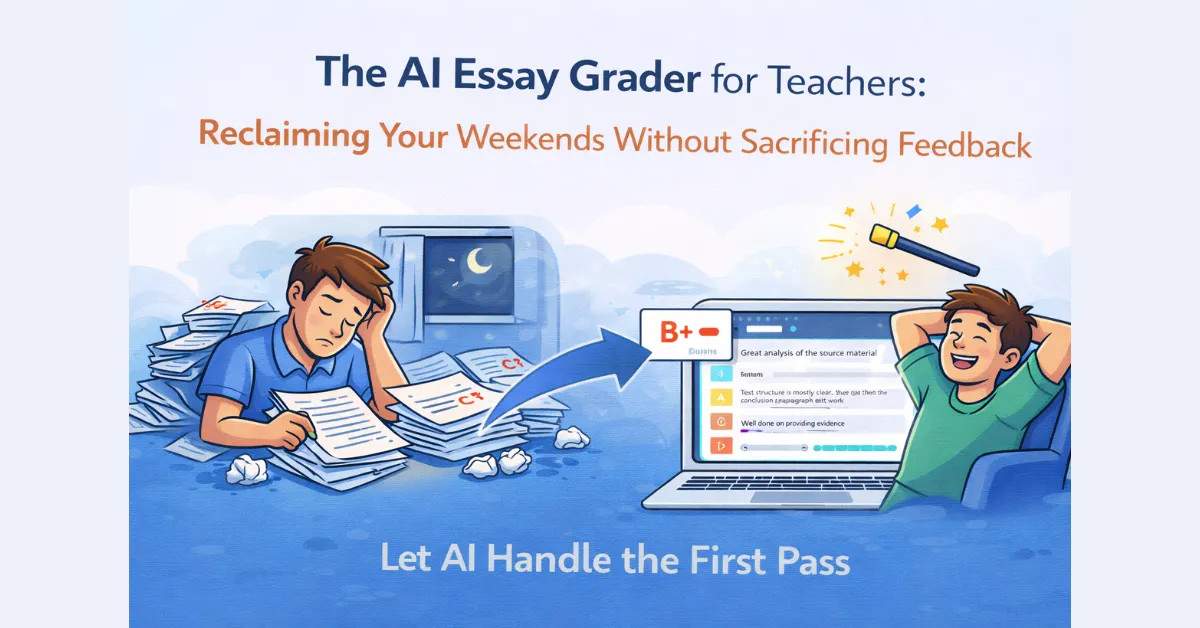
    This is why we built the AI essay grader for teachers into QuizMagic.io. It’s not about “replacing” the teacher’s judgment; it’s about providing a high-speed “first pass” that ensures every student gets detailed feedback without the teacher burning out by Sunday night.

    The Problem with Manual Essay Grading

    Manual grading is plagued by three main issues:

    1. Fatigue Bias: You are a much harsher grader on essay #50 than you were on essay #1.
    2. The Feedback Gap: By the time a teacher returns an essay a week later, the student has often moved on and won’t actually read the comments.
    3. Inconsistency: Without a rigid rubric, it’s easy for grading to become subjective.

    How the QuizMagic AI Essay Grader Works

    We didn’t just want to build a tool that gives a “score.” We wanted a tool that thinks like an educator. Here is how the process works within our platform:

    1. Administer the Quiz

    You can set up an essay-based assessment just as easily as you would a Multiple Choice or Short Answer quiz. You can even generate the essay prompts using our PDF to quiz converter.

    2. The AI “First Pass”

    The AI essay grader analyzes the text against your source material and your specific rubric. It doesn’t just look for “correctness”; it looks for:

    • Thematic Alignment: Did the student actually answer the prompt?
    • Evidence Usage: Did they cite the source material effectively?
    • Structural Logic: Is the argument cohesive?

    3. Teacher-in-the-Loop Review

    This is the most important part. Unlike generic AI bots, QuizMagic gives you the final say. The AI provides a suggested score and a detailed breakdown of feedback. You can then review, tweak the grade, and add your own personal touch in a fraction of the time it would take to start from scratch.

    Maintaining Integrity in the Age of AI

    We know what you’re thinking: “If I’m using AI to grade, aren’t the students just using AI to write?” This is why we’ve baked advanced anti-cheating features into our essay sessions. Our platform monitors for tab-switching, copy-pasting, and “suspiciously fast” typing speeds. When you combine our AI essay grader for teachers with our secure exam environment, you ensure that the work being graded is actually the student’s own.

    Why This Matters for Student Outcomes

    Immediate feedback is the “secret sauce” of learning. When a student submits an essay and receives a preliminary AI-assisted grade and feedback within minutes, they are still in the “learning zone.” They can see exactly where their Struggle Points are while the ideas are still fresh in their minds.

    Conclusion: Stop Grading, Start Mentoring

    The era of the “grading marathon” needs to end. By using an AI essay grader for teachers, you’re taking back your most valuable resource: time.

    Imagine a Monday morning where your essays are already “pre-graded,” your analytics dashboard is full of insights, and you’re ready to have meaningful conversations with your students instead of just handing back a stack of paper.

    Ready to kill the essay pile?

    Upgrade to QuizMagic Premium today and experience the future of AI-assisted grading.

    👉 Experience the AI Essay Grader Now!

  • The Best Formative Assessment Tools for Teachers: Closing the Gap in 2026

    The Best Formative Assessment Tools for Teachers: Closing the Gap in 2026

    Have you ever been through a complex lesson one weekday morning, looking out at a sea of faces and wondering: “Are they actually getting this, or are they just nodding because I’m looking at them?”

    In the old days, we waited until the end of a major test to find out. By then, it was too late. The “knowledge gap” had already become too wide.

    This is why formative assessment tools for teachers have become the most important part of the modern classroom toolkit. It’s not about the big “Final Exam”; it’s about the small, daily checks that tell you exactly who is drowning and who is ready for more.

    What Actually Makes a Formative Tool “Good”?

    There are a thousand apps out there, but after looking at so many educational workflows, I’ve realized that most of them just add more work to your plate. A real, effective tool for formative assessment needs to do three things:

    1. Be Instant: If I have to spend an hour setting it up, I’m not going to use it.
    2. Be Low-Friction: Students should be able to jump in without a 10-minute login struggle.
    3. Provide Real Data: “8/10” isn’t enough. I need to know which concept they missed.

    Why QuizMagic is Leading the Pack

    I might be biased, but I built QuizMagic.io to solve the exact headaches I saw in other formative assessment tools for teachers.

    Most tools require you to manually type in every question. With our AI quiz generator for teachers, you can just drop in your lecture slides or a PDF to quiz converter and have a check-for-understanding test ready in seconds.

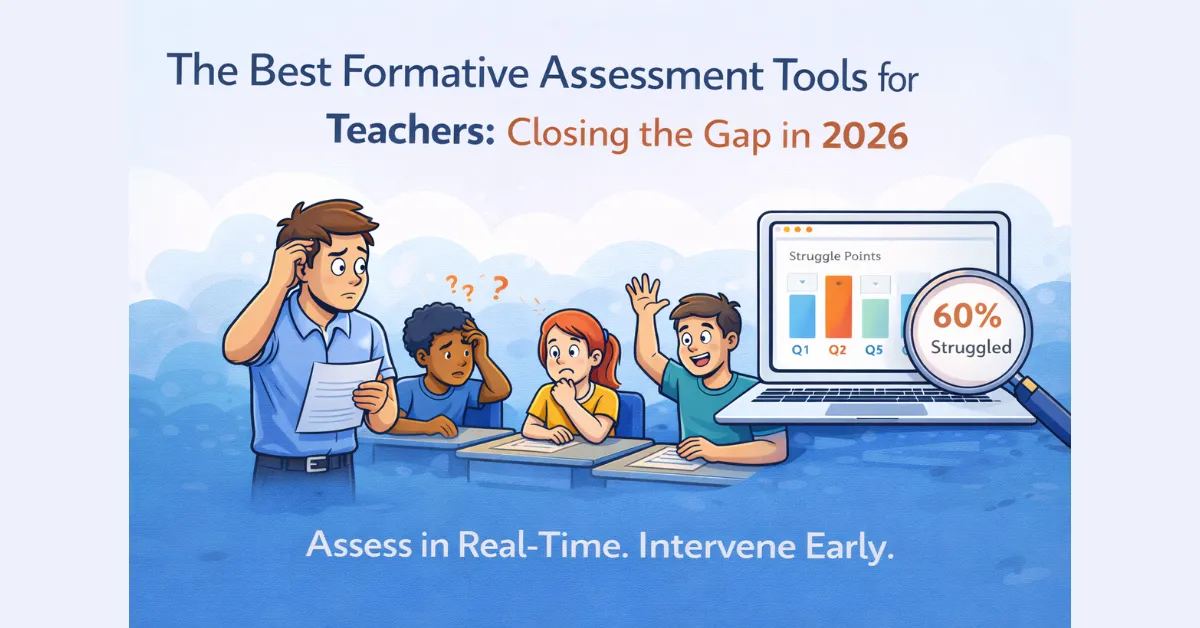
    But the real “magic” for formative assessment is in our quiz analytics. We don’t just give you a grade; we show you Struggle Points. If the AI tells me that 60% of the class labored over Question 4, I don’t need to wait for the weekend to grade papers. I can stop the class right then and there and reteach the concept.

    Other Essential Tools in the 2026 Toolkit

    While QuizMagic handles the heavy lifting of assessment and data, a healthy classroom uses a variety of methods:

    1. The Flipped Classroom with Video

    Using a YouTube video to quiz converter is a game-changer for formative checks. You assign a 5-minute video as homework, and the students take a 3-question “check” immediately after. By the time they walk into class the next morning, you already know who watched it and who understood it.

    2. Diversifying Question Types

    Formative assessment shouldn’t just be Multiple Choice. Sometimes, you need to see if a student can actually explain a concept. That’s why we advocate for using Short Answer and Fill-in-the-Blank questions. It forces the brain out of “recognition mode” and into “retrieval mode.”

    3. Pedagogy-First Design

    Don’t just throw random questions at your students. Use Bloom’s Taxonomy to ensure you’re checking for different levels of understanding. Are they just Remembering the term, or can they Apply it?

    The “Integrity” Factor in Formative Checks

    Even in low-stakes checks, cheating can skew your data. If a student Googles the answer to a formative quiz, you’ll think they understand the lesson when they don’t. This is why we built anti-cheating protections in QuizMagic. If you’re going to use data to drive your teaching, that data has to be honest.

    Conclusion: Data-Driven, Not Data-Drowned

    The goal of using formative assessment tools for teachers isn’t to turn your classroom into a testing center. It’s to give you the clarity you need to be a better teacher. When you automate the “checking,” you gain more time for the “teaching.”

    If you’re still doing manual checks for understanding, it’s time to let the AI handle the paperwork.

    Ready to close the learning gap?

    Start using the smartest formative assessment tool on the market today.

    👉 Create Your First Tracked Formative Quiz for Free!

  • How to Convert YouTube Video to Quiz: The Ultimate Guide for 2026

    How to Convert YouTube Video to Quiz: The Ultimate Guide for 2026

    We’ve all seen it: a student (or even ourselves) staring at a YouTube lecture for 20 minutes, nodding along, only to realize by the end that we can’t remember a single specific detail.

    It’s called the “Illusion of Competence.” Because the video is high-quality and the presenter is engaging, our brains trick us into thinking we’ve mastered the material. But without a knowledge check, that information usually evaporates the moment we close the tab.

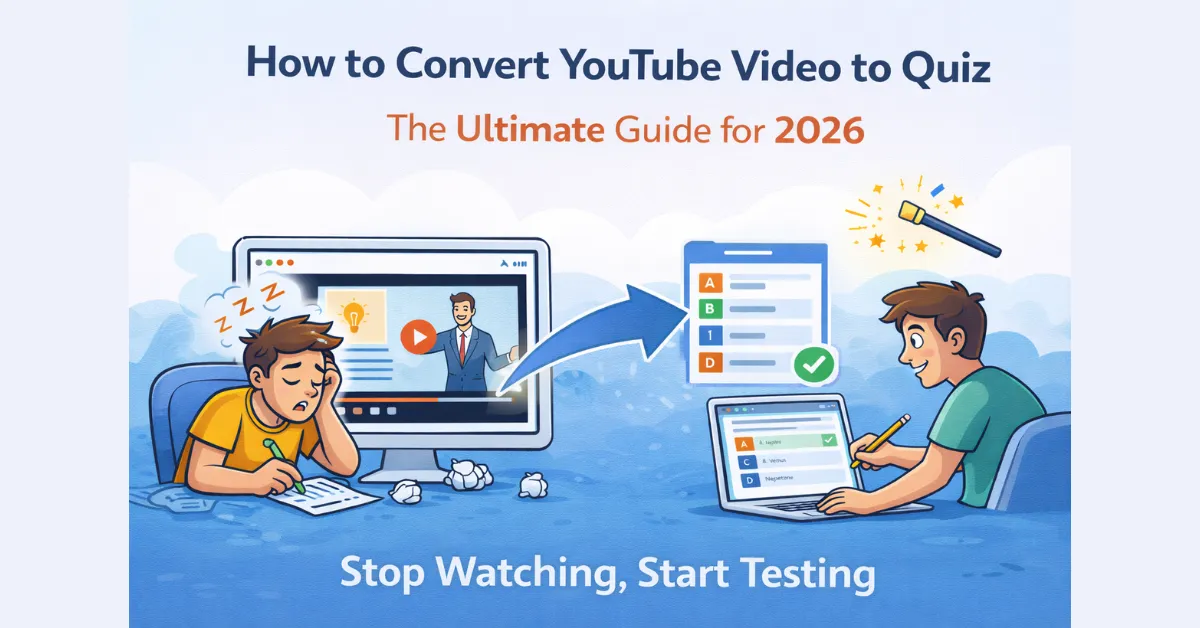
    If you want to fix this, you need to turn that passive viewing into an active challenge. Here’s exactly how to convert YouTube video to quiz content without spending your entire afternoon doing it manually.

    🛠️ Why “Watching” Isn’t Enough Anymore

    In 2026, we’re drowning in video content. But in the classroom (or the corporate training room), video is only useful if it sticks.

    Science tells us that Retrieval Practice—the act of forcing your brain to recall information—is the only way to move facts into long-term memory. By putting a quiz at the end of a video, you’re not just testing your students; you’re actually helping them learn.

    🚀 How to Do It (The Fast Way)

    Forget about pausing every two minutes to type out a question. Who has time for that? I’ve found that using AI to handle the heavy lifting is the only way to stay sane.

    Here is the 60-second workflow using QuizMagic.io:

    1. Grab the Link: Find the YouTube video you want to use. It doesn’t matter if it’s a quick 5-minute explainer or a deep-dive 1-hour documentary.
    2. Let the AI Scan the Transcript: Paste the link into the Quiz Generator. Instead of just “guessing” what the video is about, the AI analyzes the actual timestamped transcript to find the meat of the lesson.
    3. Pick Your Challenge Level: This is where you get to be the teacher. Do you want 10 easy Multiple Choice questions? Or maybe 5 difficult Short Answer questions that require real thought? You decide.
    4. Send It Out: Hit generate, and you’ve got a professional assessment ready to go.

    📈 A Few Pro-Tips for Better Results

    If you really want to make these quizzes effective, don’t just settle for the first draft. Here’s how I like to level things up:

    • Mix the Question Types: MCQs are great for quick checks, but Fill-in-the-Blanks or Short Answers really prove if someone was paying attention.
    • Use the Summary Generator first: Give your students a quick AI-generated summary before the quiz. It gives them a final chance to review the key points before they’re on the clock. QuizMagic’s Summary Generator can summarize a YouTube video.
    • Stop the Cheaters: If you’re using this for a grade, make sure to turn on Question Randomization. Even if students are sitting next to each other, their “Question 1” won’t be the same.

    🏁 The Reality of 2026 Learning

    We’re past the days of “sit and get” education. Whether you’re a teacher flipping your classroom or a student trying to survive a hard course, the ability to convert YouTube video to quiz formats is a literal game-changer.

    It takes the pressure off you to be a “content creator” and lets you focus on being a mentor.

    Stop Watching, Start Testing

    Ready to see what your students actually learned from that video?

    👉 Convert Your First YouTube Video Now!

  • Why QuizMagic is the Best AI Quiz Generator for Teachers in 2026

    Why QuizMagic is the Best AI Quiz Generator for Teachers in 2026

    Teachers aren’t leaving the classroom because they’ve lost their passion for teaching. They’re leaving because the “administrative tax” has become too high. Between lesson planning, parent emails, and the endless mountain of grading, the actual act of teaching often gets pushed to the margins.

    If you’ve spent any time searching for an AI quiz generator for teachers, you’ve probably seen a hundred “wrappers”: basic chatbots that just spit out generic questions. But there’s a world of difference between a tool that generates text and a platform built for educational integrity.

    Here is why QuizMagic.io is the tool teachers are actually using to take their weekends back.

    🚀 Stop Writing Prompts, Start Uploading Content

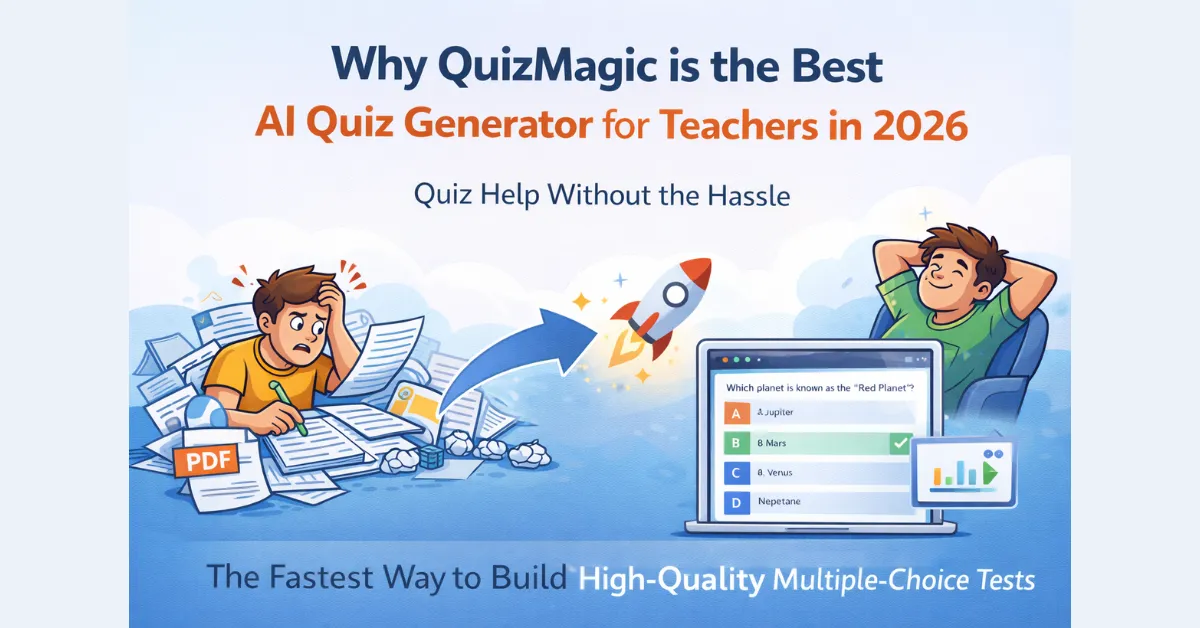
    Most AI tools force you to become a “prompt engineer.” You have to figure out exactly how to ask for a quiz without the AI hallucinating. QuizMagic removes that barrier entirely. We built it to be a direct PDF to quiz converter, so you can just feed it your existing materials.

    • PDF/Word to Quiz: Drop in a textbook chapter or a research paper. The AI parses the hierarchy of the text to find the most testable concepts.
    • YouTube to Quiz: Have a video lecture? Our YouTube video to quiz converter analyzes the transcript so you can turn passive watching into active recall.
    • The “Topic” Mode: If you’re starting from scratch, just type in a subject like “Contract Law” or “Photosynthesis,” and the AI builds the foundation for you.

    📈 Pedagogy Over “Just Questions”

    A good quiz isn’t just a list of random facts. It needs to follow a logic. This is where most generic AI tools fail. They only test the bottom of the barrel (basic memorization).

    QuizMagic is built on a foundation of Bloom’s Taxonomy. You choose the cognitive level. If you need a quick check-in, go for “Remembering.” If you’re prepping for a final, choose “Analyzing” or “Evaluating.” The AI adjusts its logic to ensure your students are actually being challenged at the right depth.

    🛡️ Security That Actually Protects the Grade

    In 2026, if a quiz isn’t secure, it’s essentially an open-book test. We didn’t just build a generator; we built a secure delivery system. Unlike a chatbot, our Smart Sharing includes:

    • Anti-Cheating Violations: The system flags tab-switching, copy-pasting, and even the use of developer tools.
    • Automatic Closure: If a student tries to bypass the rules, the session closes and grades them on what they’ve finished. No manual policing required.
    • Randomization: Use our randomized quiz generator to ensure that even if students are sitting side-by-side, their “Question 1” is completely different.

    🤖 The End of the “Grading Pile”

    The “magic” isn’t just in making the quiz; it’s in never having to grade it. Our automatic grading function within QuizMagic’s Smart Sharing feature handles Multiple Choice, True/False, and even Short Answer questions instantly.

    You get a dashboard full of actionable data, like Struggle Points and Possible Guesses, so you know exactly what to reteach on Monday morning. Check out our Quiz Analytics feature to see how deep these analytics actually go.

    The Bottom Line: Reclaiming Your Time

    Using an AI quiz generator for teachers isn’t “cheating”. It’s an operational necessity. By automating the mechanical parts of your job, you get to focus on the human parts: the mentoring, the coaching, and the actual teaching.

    Ready to see the difference for yourself?

    Join thousands of educators who are saving 10+ hours a week.

    👉 Create Your First AI-Generated Quiz for Free!

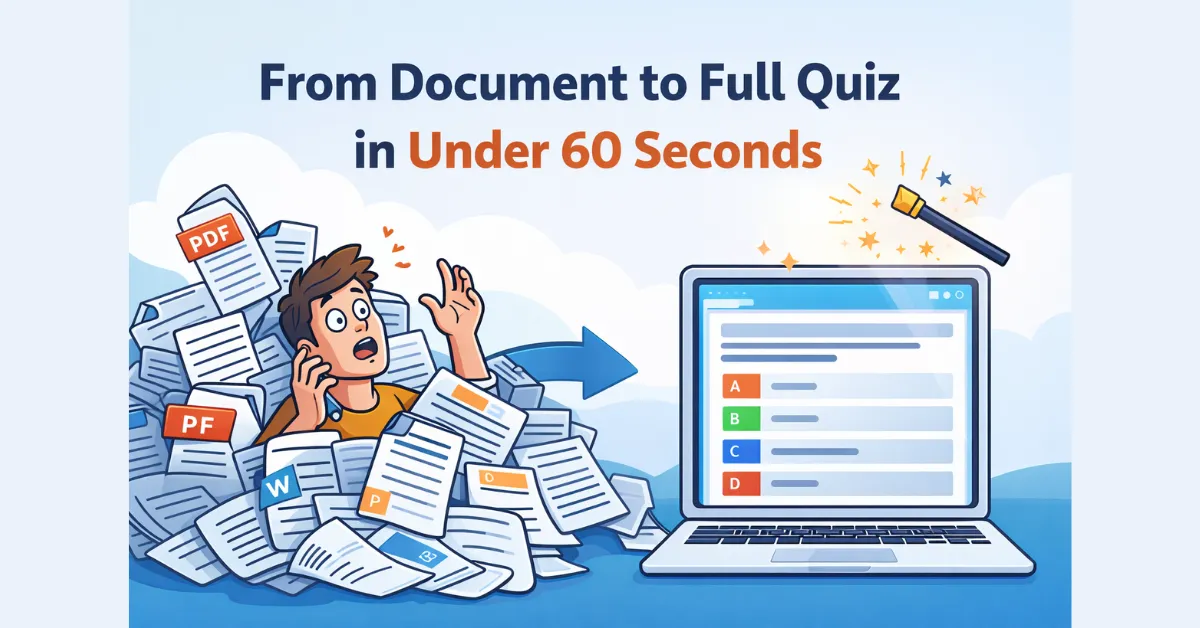
  • Drowning in PDFs? How to Turn Any Document into a Full Quiz in Under 60 Seconds

    Drowning in PDFs? How to Turn Any Document into a Full Quiz in Under 60 Seconds

    We’ve all fallen into the “Document Trap.” You have a fantastic 30-page PDF textbook chapter or a brilliant set of lecture slides, but they’re just… sitting there. You know exactly what you need to test your students on, but the thought of manually copying and pasting text into a quiz builder, question by question, is enough to make you want to close your laptop and walk away.

    For most of us, turning a single chapter into a high-quality 20-question test takes at least an hour or two. That’s time stolen from actual teaching, or worse, stolen from your weekend.

    I built QuizMagic.io specifically to kill this manual labor. Here is how you can use an AI-powered PDF to quiz converter to turn static files into interactive, self-grading assessments in less time than it takes to pour a cup of coffee.

    ⚡ From Static File to Active Assessment: The 3-Step Process

    QuizMagic doesn’t just “read” your files; it understands the hierarchy of information. Whether it’s a messy scan or a structured DOCX, the AI identifies the definitions, the key concepts, and the relationships between ideas.

    1. Upload Your Source Material

    In the Quiz Generator, just head to the File tab. We support the formats you’re already using every day:

    • PDF: The gold standard for textbook chapters and research papers.
    • DOCX & PPTX: Turn your existing lesson plans or lecture slides into a post-lesson review instantly.
    • Images (JPG/PNG): If you have a photo of a printed worksheet, our AI can extract the text and digitize it for you.

    Pro Tip: Premium users can upload multiple files at once. This means you can feed the AI three different chapters and generate one massive, comprehensive unit exam in a single click.

    2. Set Your Boundaries

    Once your file is uploaded, you’re in the driver’s seat. You tell the AI:

    • Question Type: Choose from MCQs, True/False, Fill in the Blanks, or even Short Answer Questions.
    • Cognitive Depth: Use our Bloom’s Taxonomy alignment to make sure you aren’t just testing surface-level facts.

    3. Generate and Polish

    In seconds, your quiz appears on the screen. You can tweak the distractors, add your own custom questions, and save it to your dashboard. From there, you can use Smart Sharing to activate anti-cheating protections and let the system handle the grading for you.

    🛠️ Why QuizMagic Beats Generic Chatbots

    You’ve probably tried pasting text into a basic chatbot, only to have it “hallucinate” or lose track of the context after a few paragraphs. QuizMagic is different because it’s specialized for educational extraction:

    Format Awareness: It recognizes tables, lists, and headings, so it knows which parts of your document are the most important to test.

    Massive Character Limits: While other tools choke on long documents, we allow up to 500,000 characters. You can process entire chapters, not just snippets.

    Context Preservation: The AI looks at the entire document to ensure the wrong answers (distractors) are actually plausible and relevant.

    🚀 Stop Typing, Start Teaching

    Your documents shouldn’t be a burden; they should be a resource. By using a dedicated PDF to quiz converter, you’re not “taking a shortcut”. You’re automating the robotic parts of your job so you can focus on the human parts.

    If you’re wondering how we handle the results once the quiz is live, take a look at our Anti-Cheating feature for a breakdown of our auto-grading features.

    👉 Try the Document-to-Quiz Generator for Free Now!

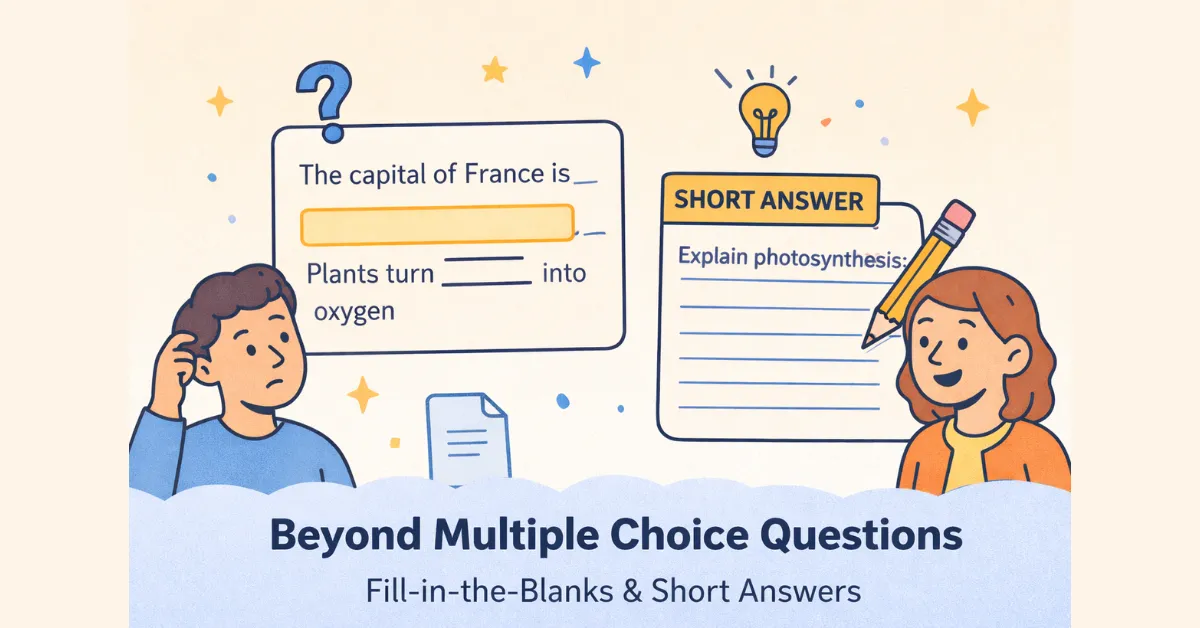
  • Beyond MCQs: Why You Need Fill-in-the-Blanks and Short Answers in Your Digital Assessments

    Beyond MCQs: Why You Need Fill-in-the-Blanks and Short Answers in Your Digital Assessments

    Multiple Choice Questions (MCQs) are popular for one main reason: they are easy to grade. But as an educator, you know the trade-off. MCQs often turn into a game of “process of elimination” rather than a true demonstration of knowledge.

    When a student sees four options, they have a 25% chance of getting it right just by guessing. To measure true mastery—the kind where a student can actually apply or analyze a concept—you have to move beyond the “pick one” format.

    The good news? With QuizMagic.io, you don’t have to choose between deep assessment and fast grading. Here’s why varying your types of assessment questions is the secret to a better classroom.

    1. Fill-in-the-Blanks: Testing Precision

    Fill-in-the-Blanks (FITB) are the bridge between simple recognition and full recall. Instead of giving the student a list of answers, you’re asking them to pull the correct term from their own memory.

    Why this works:

    • Zero Guessing: There are no options to hide behind. They either know the term or they don’t.
    • Vocabulary Mastery: This is the gold standard for testing specific dates, formulas, or key terminology.
    • Seamless Grading: Our automatic grading function within Quizmagic’s Smart Sharing feature scores these instantly, so you get the rigor of a written test with the speed of a digital one.

    2. Short Answer Questions: Assessing “The Why”

    Short Answer (SA) questions are where the real learning happens. These questions force students to synthesize ideas and explain them in their own words.

    The AI-Grading Solution

    Historically, teachers avoided Short Answers on digital tests because they had to grade them manually. We solved that. QuizMagic’s AI doesn’t just look for an exact match; it analyzes the student’s response against a sophisticated answer key.

    The AI looks for key concepts and proximity to the correct logic. While you’ll always be the final judge, the AI does the heavy lifting, providing an initial score and flagging student Struggle Points so you know where they got lost.

    3. The Power of the “Mixed Quiz”

    The most effective assessments aren’t one-dimensional. They are balanced. Think of your quiz like a workout for the brain:

    1. Warm-up (25% MCQs): Check for foundational “Remembering” (see our Bloom’s Taxonomy guide).
    2. The Grind (25% Fill-in-the-Blanks): Test for precise recall of key facts.
    3. The Peak (50% Short Answers): Push the students to Analyze and Apply what they’ve learned.

    Our Mixed Quiz Type allows you to set these ratios with a few clicks. You can tell the generator, “Give me 5 True/False and 10 Short Answers,” and it will build that balanced assessment instantly from your source PDF or YouTube link.

    🛡️ A Side Benefit: Integrity

    Varying your question types is actually a brilliant anti-cheating strategy. It is significantly harder for students to share answers in a group chat when they have to type out unique explanations or recall specific terms without a multiple-choice list to guide them.

    Elevate Your Assessments Instantly

    Digital assessment shouldn’t be a compromise. By mixing up your types of assessment questions, you ensure that your students are actually mastering the curriculum, not just getting better at taking tests.

    If you’re ready to see the difference a balanced quiz makes, check out our Quick Start Guide to see how to get started with your first Mixed Quiz.

    👉 Unlock All Question Types and Mixed Quizzes with QuizMagic Premium!

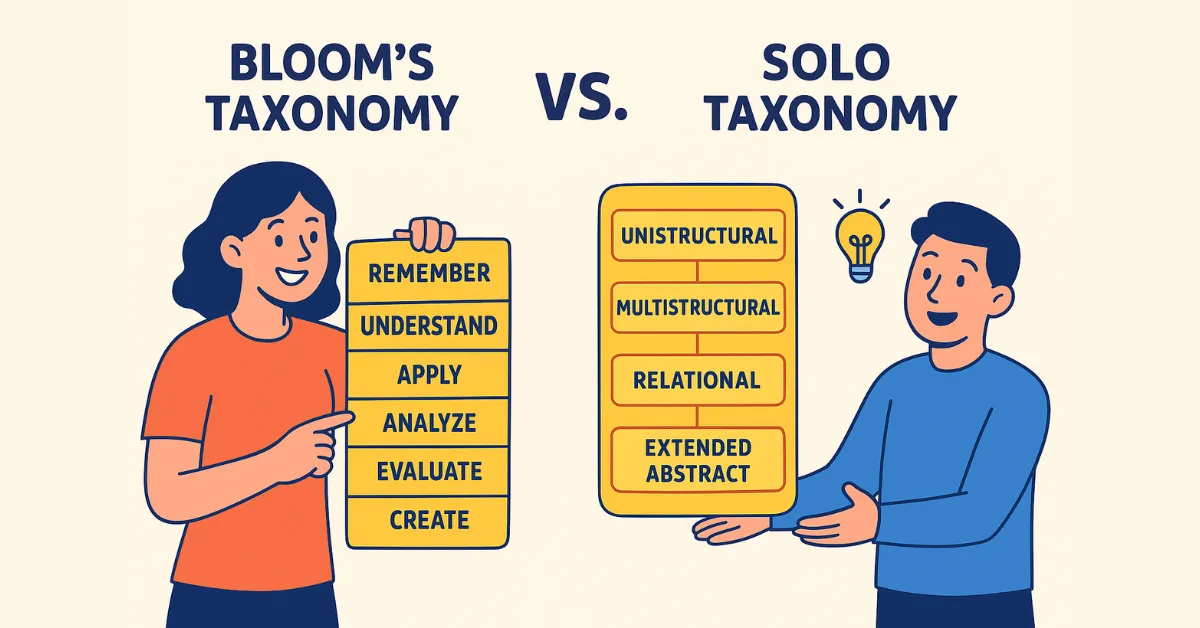
  • Bloom’s Taxonomy vs. SOLO Taxonomy: Choosing the Right Framework for Your Assessments

    Bloom’s Taxonomy vs. SOLO Taxonomy: Choosing the Right Framework for Your Assessments

    In the world of education, we’re obsessed with “depth.” We want our students to do more than just recite facts; we want them to understand. But here’s the problem: “understanding” is invisible. To measure it, we need a framework. A ruler to gauge how deep a student’s thinking actually goes.

    Two frameworks dominate this space: Bloom’s Taxonomy and SOLO Taxonomy.

    If you’ve spent any time in a faculty lounge, you’ve heard the debate. Some swear by Bloom’s for lesson planning, while others argue that SOLO is the only way to truly grade an essay. So, which one should you use for your next digital quiz?

    The answer isn’t “one or the other.” It’s about knowing which tool fits the task.

    The Old Reliable: Bloom’s Taxonomy

    Developed in the 1950s (and polished in 2001), Bloom’s is the “household name” of education. It’s a hierarchy of cognitive skills that moves from basic Remembering to high-level Creating.

    Why educators love it:

    Bloom’s is incredible for planning. If you’re using an AI quiz generator for teachers, Bloom’s gives you the “verbs” you need to write a good question. It helps you ensure your test isn’t just a list of definitions but actually challenges students to Analyze or Evaluate information.

    • Best for: Designing the curriculum, writing quiz questions, and ensuring a variety of difficulty levels.
    • The Catch: Bloom’s focuses on what the teacher intends for the student to do, not necessarily the quality of what the student actually produces.

    The Modern Challenger: SOLO Taxonomy

    SOLO (Structure of Observed Learning Outcomes) arrived in 1982, and it’s a bit more “scientific” in its approach. Instead of focusing on the task, SOLO focuses on the response.

    It looks at how many “connections” a student makes. Does the student see a single fact (Unistructural), several disconnected facts (Multistructural), or can they see how all those facts relate to the “Big Picture” (Relational)?

    Why educators love it:

    SOLO is a powerhouse for grading and feedback. It’s much easier to build a rubric with SOLO because it describes the quality of the work. It helps you tell a student, “You know all the facts (Multistructural), but you haven’t explained how they affect each other (Relational) yet.”

    Best for: Creating rubrics, assessing open-ended essays, and giving students a roadmap for how to improve their thinking.

    Bloom’s vs. SOLO: A Quick Breakdown

    FeatureBloom’s TaxonomySOLO Taxonomy
    Main FocusWhat the student should do.What the student actually did.
    Best PhasePlanning & Question Design.Grading & Feedback.
    Structure6 Hierarchical Levels.5 Stages of Complexity.

    The “Hybrid” Approach: How to Use Both

    You don’t have to pick a side. In fact, the most effective assessments use a combination of both.

    1. Use Bloom’s to write the questions. Use the action verbs to make sure you’re targeting higher-order thinking.
    2. Use SOLO to evaluate the results. When you look at your quiz analytics, use the SOLO mindset to see if students are making connections or just memorizing bullet points.

    How QuizMagic Bridged the Gap

    We didn’t want teachers to have to choose between pedagogy and speed. That’s why QuizMagic.io is one of the few platforms that allows you to bake these frameworks directly into your workflow.

    When you use our quiz generator, you can specify your target cognitive depth. The AI then handles the heavy lifting: aligning the questions to the framework so you don’t have to spend your Sunday night with a taxonomy handbook in one hand and a coffee in the other.

    Stop Choosing. Start Measuring.

    Whether you’re a Bloom’s traditionalist or a SOLO enthusiast, the goal is the same: better learning outcomes. Use the tools that help you see the “invisible” depth of your students’ minds.

    👉 Create a Cognitively Balanced Quiz for Free!

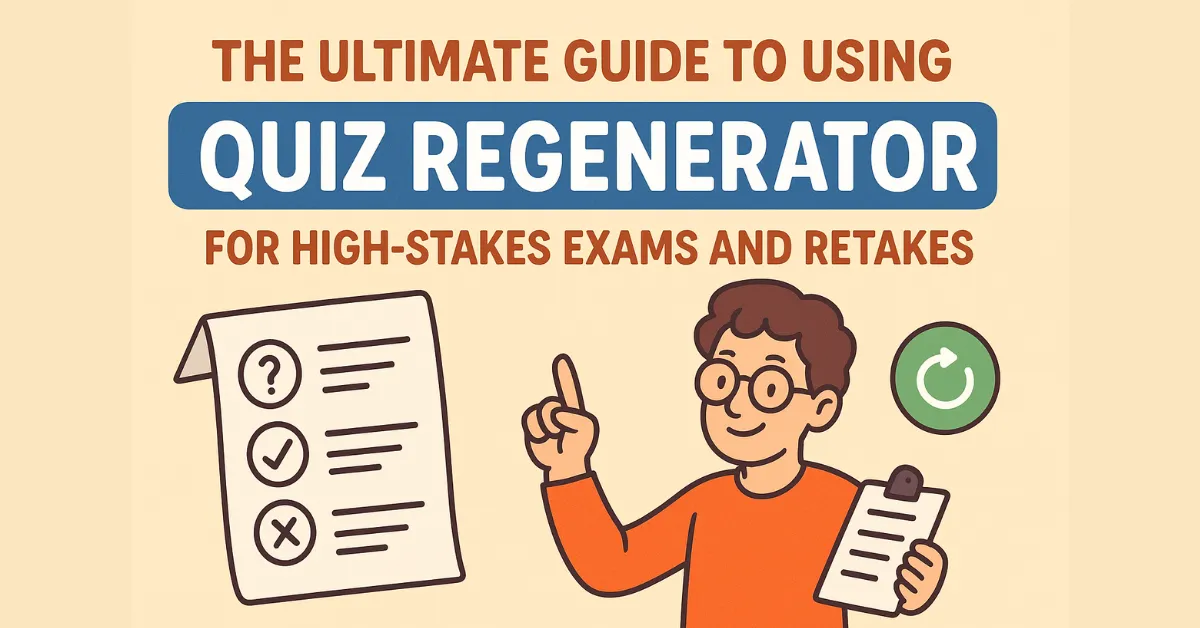
  • The Ultimate Guide to Using Quiz Regenerator for High-Stakes Exams and Retakes

    The Ultimate Guide to Using Quiz Regenerator for High-Stakes Exams and Retakes

    We’ve all been there: you have a student who missed the mid-term, or a class that needs a retake because they bombed the first attempt. Your heart sinks because you know what’s coming next: you have to sit down and write a completely new version of that test.

    If you use the same questions, the students will just share the answers. If you write new ones, you’re spending hours on paperwork instead of teaching. It’s a lose-lose situation.

    This is exactly why we built the Quiz Regenerator. It’s a randomized quiz generator that does the heavy lifting for you, allowing you to spin up fresh, unique versions of your assessments without typing a single new sentence.

    🔒 How Regeneration Beats the “Answer Key” Culture

    In 2026, students are more connected than ever. A quick photo of an answer key can be in a group chat in seconds. To stay ahead, your assessments need to be dynamic.

    Here is how the Regenerator creates an “un-cheatable” environment:

    1. Shuffling the Deck (Question Randomization)

    When you use a randomized quiz generator, no two students see the same test at the same time. While Student A is working on the hard chemistry problem at Question 5, Student B is still on the True/False section at Question 12. This makes the classic “what’s the answer to number five?” whisper completely irrelevant.

    2. Scrambling the Choices (Option Randomization)

    Memorizing an answer key like “A, C, B, D” is a common tactic. QuizMagic kills this strategy by shuffling the answer choices within the questions. Even if the correct answer remains the same, its position changes every time the quiz is regenerated.

    3. Smart Re-phrasing for Retakes

    This is where the AI really shines. For make-up tests, the Regenerator doesn’t just shuffle; it can slightly tweak phrasing and question styles while keeping the core difficulty and Bloom’s Taxonomy alignment identical. This ensures a fair retake that tests actual mastery, not just how well a student remembered the first test.

    ✅ Why You’ll Actually Use This

    It isn’t just about stopping cheaters; it’s about making your life easier.

    Tighter Security: When you combine regeneration with our anti-cheating violation monitoring, you create a high-stakes environment that actually reflects student knowledge.

    Multiple Class Sections: If you teach the same subject three times a day, you can give each period a slightly different version to prevent “hallway leaks.”

    Instant Study Guides: Need a practice test? Regenerate your master quiz and let students drill it until they are ready for the real thing.

    Stop Drafting, Start Deploying

    The era of spending your Sunday nights writing “Version B” and “Version C” of an exam is over. By using a randomized quiz generator, you maintain the integrity of your grading while reclaiming your personal time.

    If you’re wondering how this looks on the student side, check out our Smart Sharing guide for a breakdown of the user experience.

    👉 Start Generating Unlimited, Secure Quizzes with QuizMagic Premium!