New to QuizMagic? Read the Quick Start Guide to get your first quiz ready in 60 seconds.
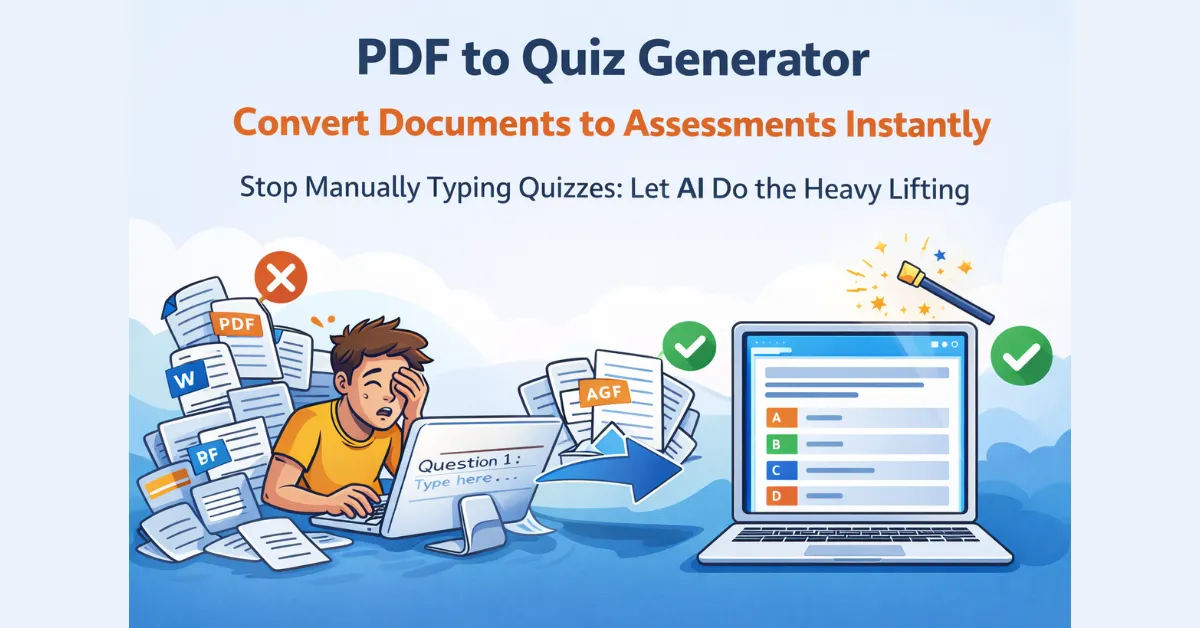
Stop Manually Typing Quizzes: Let AI Do the Heavy Lifting
Creating a high-quality assessment from a 50-page textbook or a complex training manual used to take hours of tedious copying and pasting. With the QuizMagic PDF to Quiz generator, you can transform any document into a professional, self-grading test in under a minute.
Whether you are a teacher preparing for Monday’s lesson or a corporate trainer onboarding new hires, our automated tool ensures your assessments are accurate, pedagogical, and ready to share.
How the PDF to Quiz Generator Works
We’ve simplified the workflow so you can focus on teaching, not formatting. Here is how to turn your static documents into interactive quizzes:
- Upload Your Document: Drop your PDF file into the QuizMagic dashboard – Quiz Generator. Our system securely scans the text while maintaining context.
- Select Your Format: Choose between Multiple Choice Questions (MCQ), True/False, Fill in the Blanks, or Short Answers.
- Customize & Review: The generator instantly builds your questions. You can edit, add, or delete questions to match your specific learning objectives.
- Share & Auto-Grade: Send a “Smart Sharing” link to your students. They play without needing a login, and you get the results instantly.
Distribute securely using Smart Sharing with auto-grading.
The Fastest PDF to Quiz Maker for Teachers and Trainers
1. Save Hours of Prep Time
The average educator spends over 10 hours a week on administrative tasks. By using a PDF to quiz workflow, you can reduce quiz creation time by up to 90%.
2. Built-in Learning Science
Our generator doesn’t just “pick random sentences.” It is designed to recognize key concepts and align them with Bloom’s Taxonomy, ensuring your questions test actual understanding rather than just rote memorization.
3. Eliminate Human Error
Manual data entry leads to typos in questions or incorrect answer keys. Our automated system pulls data directly from your source material, ensuring 100% accuracy in your assessment content.
Perfect for Every Use Case
- For Teachers: Turn your lesson PDFs and handouts into Friday quizzes instantly.
- For Students: Upload your study guides to create practice tests for “active recall” study sessions.
- For HR & Trainers: Convert SOP manuals and onboarding PDFs into compliance checks to ensure staff understanding.
Turn Any PDF Into a Printable or Digital Quiz in Under 60 Seconds
Frequently Asked Questions
Is there a limit to the PDF size? Our PDF to quiz tool handles everything from one-page worksheets to extensive textbook chapters. The maximum size is 10 MB. You can reduce the file size of your PDF using tools like iLovePDF.com.
What question types are supported? You can generate Multiple Choice, True/False, Fill in the Blanks, and Short Answer questions directly from your PDF source.
Can I export the quiz back to PDF? Yes! Once generated, you can share the quiz digitally for auto-grading or export it back to a clean PDF format for paper-based exams.